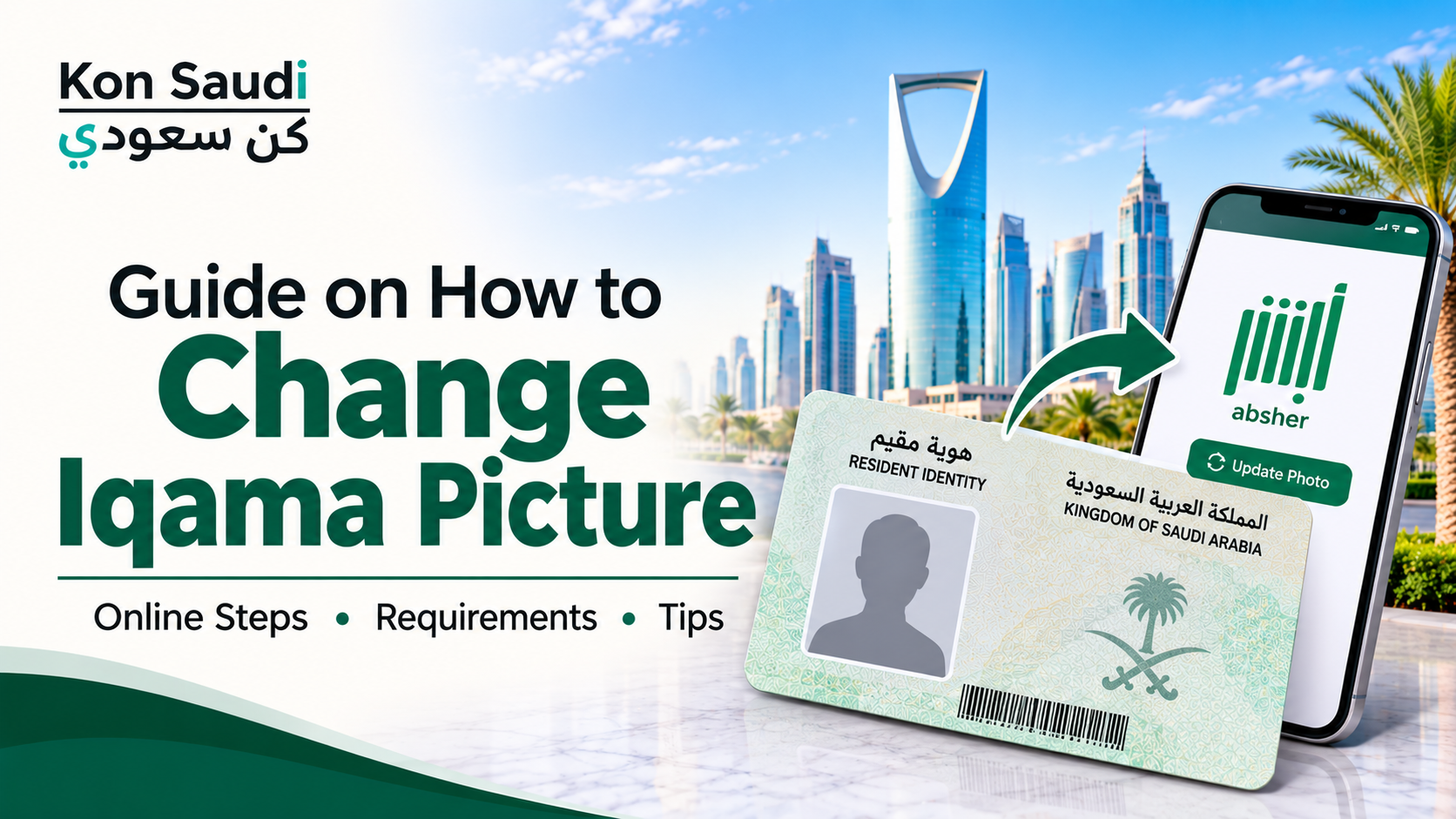
Your Iqama is an important residency document in Saudi Arabia, and its personal photograph helps authorities verify your identity. If your current Iqama picture is outdated or you need to update your appearance, you can submit a request to change your resident photo through the Absher platform.
The General Directorate of Passports (Jawazat) has made the resident photo update service available electronically through Absher. This allows eligible residents to submit a new photograph without starting the process through a traditional office visit. You can also use our Hijri and Gregorian Date Converter to convert dates when checking your Saudi official records.
In this guide, we explain how to change your Iqama picture in Saudi Arabia, how to use the Absher application, the photograph requirements, and what to do if your request is not approved.
Can You Change Your Iqama Picture Online?
Yes. Residents can submit a request to update their personal photograph through the Absher application. The service allows you to attach or capture an updated photograph and submit it for verification.
The photograph is checked against the applicable requirements. After the relevant authority approves the request, the resident's photograph is updated in the system.
You should remember that submitting a new photograph does not mean it will be accepted automatically. The image must meet the required specifications and pass the verification process.
How to Change Iqama Picture Through Absher
Follow these steps to submit your resident photo update request:
Log In to the Absher Application
Open the official Absher application on your mobile phone. Log in using your registered account details and complete the required identity verification.
Make sure you are using your own account or an account authorized to access the relevant resident services.
Open the Resident Photo Update Service
After logging in, navigate to the services section and select the option labelled Update Resident Photo.
The service is provided for residents who want to submit an updated personal photograph for their Iqama record.
Upload Your New Photograph
Attach or capture your updated photograph using the available option. Before submitting it, check that the image meets the required lighting, background, and appearance conditions.
A photograph that does not follow the official specifications may be rejected during verification.
Complete Biometric Verification
The process may require facial biometric verification through the Nafath application. Follow the instructions displayed on your screen to complete the verification.
If you cannot activate facial verification, check whether the alternative option for proceeding without that verification is available in your login process.
Submit Your Request
Review the information and confirm your request. The submitted photograph will go through the relevant verification process.
Once the authorities approve the request, your resident photo will be updated in the system.
Requirements for Changing Your Iqama Picture
Jawazat has clarified several conditions that residents must follow when submitting a new photograph. You can also visit our Saudi Arabia Online Tools and Calculators to explore useful tools for everyday calculations and information.
White Background: The photograph must have a completely white background.
Proper Lighting: Make sure your face is clearly visible with suitable lighting.
Correct Dimensions: The image must meet the required size and dimension specifications.
No Facial Additions: Avoid accessories or objects that cover or alter your facial appearance.
Head Position: Men must have their heads uncovered in accordance with the announced photo requirements.
Clear Facial Features: Your face should be clearly visible so that the system can verify your identity.
The uploaded photograph may be checked using artificial intelligence technology before approval. Therefore, use a clear and recent photograph rather than an edited image or one with filters.
Why Can an Iqama Picture Update Request Be Rejected?
Sometimes a photograph may not pass the verification process. This can happen for several reasons:
Incorrect Background
A coloured or patterned background may not meet the requirements. Use a completely white background.
Poor Lighting
Dark images, strong shadows, and excessive brightness can make facial features difficult to recognize.
Incorrect Photo Dimensions
An image that does not meet the required specifications may be rejected. Follow the instructions displayed in Absher when uploading your photograph.
Face Covered or Altered
Accessories, objects, or editing that changes the appearance of your face may prevent successful verification.
Biometric Verification Problems
If facial verification through Nafath does not work, check your application settings and the available verification options before submitting the request again.
What to Do If Your Iqama Picture Is Not Updated?
If you submit a request but your photograph does not change, first check whether the request has been approved or is still being processed.
If the photograph is rejected, review the displayed reason and prepare a new image that meets the official requirements.
If the service continues to show an error or you cannot submit your request, contact Jawazat through its official customer service channels or visit an authorized service office if instructed.
You can access the official Absher platform to check the available services and submit your request.
Conclusion
Changing your Iqama picture in Saudi Arabia is now possible through the Absher application. Residents can submit an updated photograph electronically and complete the required verification process without relying on the traditional manual procedure.
Before submitting your request, make sure your photograph has a white background, suitable lighting, and the required dimensions. Following the official instructions can help prevent rejection and make the Iqama photo update process easier.