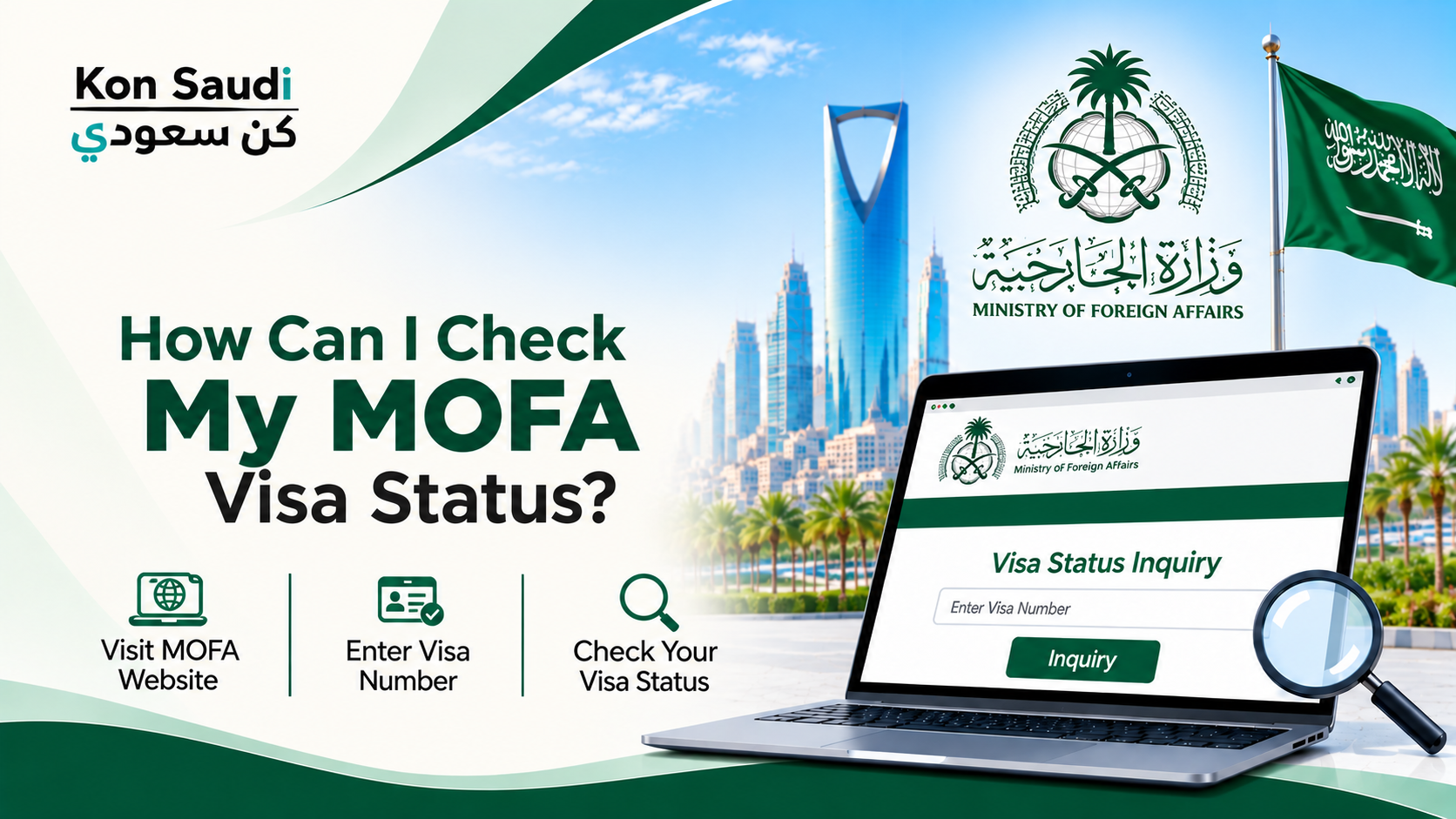
If you have applied for a Saudi visa and want to know whether your application has been approved, rejected, or is still being processed, you can check its status online through the Ministry of Foreign Affairs (MOFA) visa platform. This service allows applicants to track previously submitted visa applications and check information about issued visas without visiting a government office.
The MOFA visa status check process is useful for expatriates, family visit applicants, business visitors, and other individuals applying for Saudi visas. In this guide, you will learn how to check your Saudi visa application status online, what information you need, and what to do if your application status is not available.
If you are managing visa applications and other official procedures in Saudi Arabia, keeping track of important dates is equally useful. You can use our Hijri to Gregorian Calendar Converter to convert Islamic dates into Gregorian dates and make it easier to manage important deadlines and appointments.
How to Check MOFA Visa Status Online
You can check your Saudi visa application through the official Saudi Visa platform. Follow these general steps:
Visit the Saudi Visa Platform.
Open the inquiry or application status section.
Select the relevant inquiry type.
Enter your application or request number.
Provide the additional information requested by the platform.
Enter the displayed verification code, if required.
Click the search or inquiry button.
Review the information displayed on your screen.
Depending on the type of inquiry, the platform may request your passport number or other application details. Make sure the information matches your original visa application.
Information Required to Check Saudi Visa Status
Before checking your application, keep the necessary details ready. The information required may vary depending on the visa category and inquiry service.
Commonly requested details include:
Application Number: The reference number generated when your visa application was submitted.
Passport Number: Your valid passport number associated with the application.
Nationality: Your current nationality, if requested.
Visa Type: The category of visa you applied for.
Verification Code: The image code displayed on the inquiry page, where applicable.
You can usually find your application number in the confirmation received after submitting your visa request. If someone else submitted the application on your behalf, ask them to share the reference number.
How to Check an Issued Saudi Visa
If your visa has already been approved and issued, you can use the MOFA visa inquiry service to check the issued visa information.
Follow these steps:
Visit the official MOFA Visa Services.
Navigate to the visa inquiry section.
Select the option for checking an issued visa.
Enter the requested visa or application details.
Complete the verification process.
Submit your inquiry to view the available information.
The available search fields may differ depending on the selected service. Follow the instructions displayed on the official platform rather than using details from an unrelated inquiry option.
What Do Different Saudi Visa Statuses Mean?
When checking your application, you may see different status messages depending on its processing stage.
Under Process: Your application is still being reviewed by the relevant authorities. It does not necessarily mean that your visa has been rejected.
Approved: Your application has received approval. Depending on your visa category, additional issuance or embassy procedures may still be required.
Issued: Your visa has been issued and the relevant visa information should be available through the platform.
Rejected: Your application has not been approved. Check any notification or explanation provided through the application system for further details.
No Record Found: The system could not find a matching application using the information entered. Check your details and try again.
Status wording may vary between visa categories and platform updates.
Why Is My MOFA Visa Status Not Showing?
Sometimes applicants cannot find their visa application details online during a MOFA Visa Status Check. This can happen for several reasons.
Incorrect Application Number: You may have entered an incorrect reference number. Check the original application confirmation.
Wrong Passport Details: Make sure your passport number matches the information used when submitting the application.
Recent Application Submission: Your application information may not yet be available in the inquiry system.
Incorrect Inquiry Category: Selecting the wrong application or visa inquiry option may prevent the system from displaying your record.
Technical Issues: Temporary website or system problems may affect the inquiry service.
If the problem continues, contact MOFA through its official support channels or use the help options available on the Saudi Visa platform.
Important Tips for Checking Your MOFA Visa Status
Always use the official Saudi government visa platform when performing a MOFA Visa Status Check. Avoid entering passport information or application details on unofficial websites.
Keep your application reference number safe until the visa process is complete. If a travel agent, employer, or family member submitted your application, make sure you receive the correct reference details from them.
Also, remember that an approved application and an issued visa are not always the same thing. Check the final visa document and any additional requirements before making travel arrangements. For other useful calculations related to living in Saudi Arabia, try our Saudi Arabia VAT Calculator.
Conclusion
Checking your MOFA visa status online is a convenient way to follow your Saudi visa application without visiting a government office. By using the official Saudi Visa platform and entering the correct application and passport information, you can check the available status and visa details.
If your application does not appear, verify your information and try again later. For unresolved issues, contact the Ministry of Foreign Affairs through its official support channels.