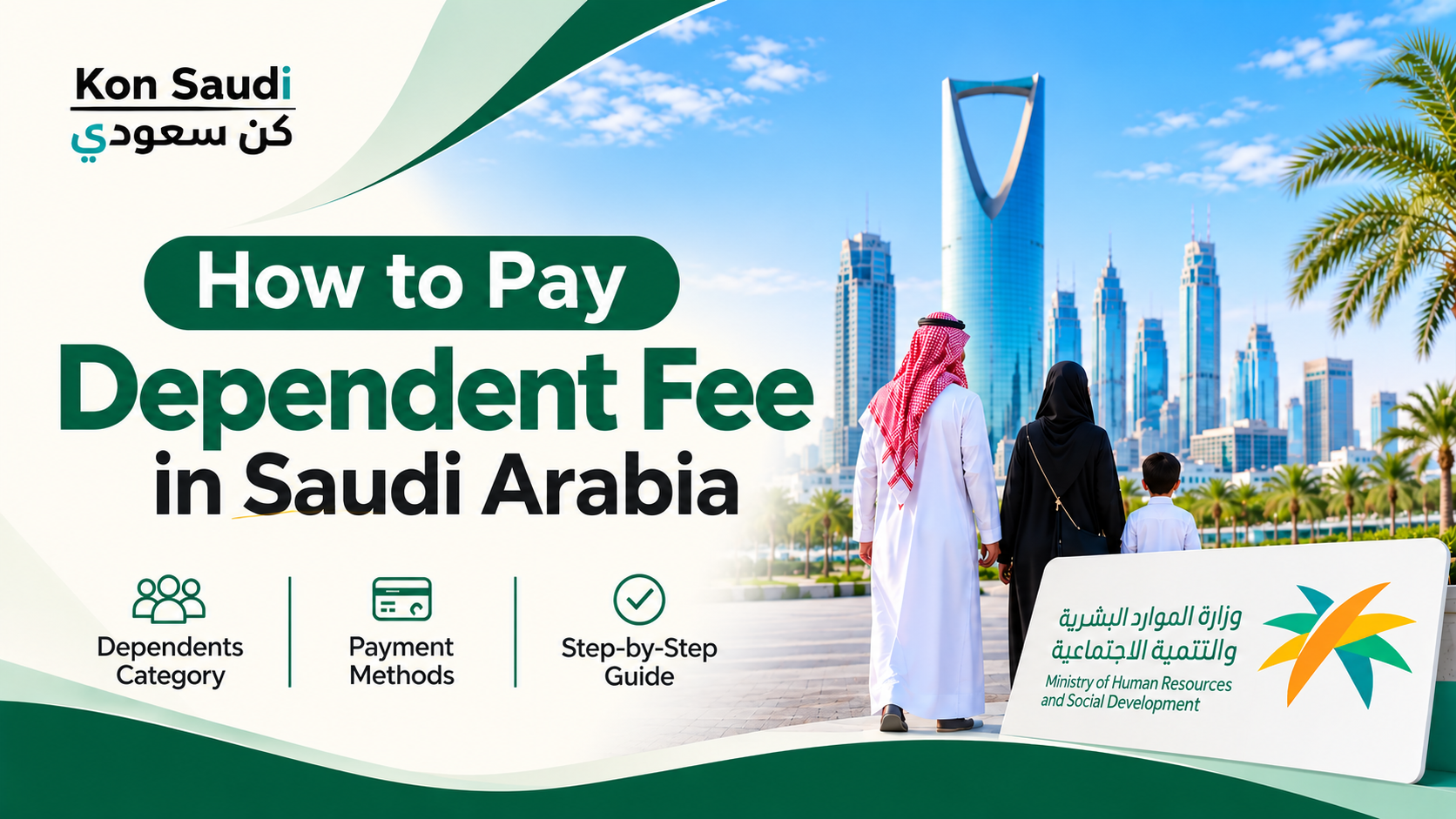
If you are an expatriate living in Saudi Arabia with your family, paying the dependent fee is an important part of managing your family's residency expenses. The fee is generally associated with dependents and registered companions under an expatriate's sponsorship. You can usually make this payment electronically through your Saudi bank account using the SADAD government payment system.
Understanding how to pay the dependent fee in Saudi Arabia can help you avoid delays when renewing an Iqama or completing other residency-related procedures. You can also explore our useful Saudi Arabia tools for helpful resources and calculations related to living in the Kingdom. In this guide, you will learn how to check and pay the fee through online banking, what information you may need, and how to confirm your payment.
What Is the Dependent Fee in Saudi Arabia?
The dependent fee is a government charge associated with eligible family members and companions registered under an expatriate resident's sponsorship in Saudi Arabia. Understanding the Saudi Dependent Fee Payment process can help expatriates manage their family's residency expenses and complete the required payments on time.
Depending on the applicable residency procedure, payment may be required when renewing an Iqama or processing certain services, such as exit and re-entry or final exit arrangements.
The amount payable depends on the applicable fee rules, the number of chargeable dependents, and the required payment period. Always check the amount displayed by your bank or the relevant government service before completing the transaction.
How to Pay Dependent Fee Through Online Banking
One of the most convenient ways to pay the dependent fee is through your Saudi bank's mobile application or internet banking service. Government payments are commonly processed through SADAD.
Follow these general steps:
Open your Saudi bank's mobile application or online banking website.
Log in using your banking credentials.
Navigate to SADAD or Government Payments.
Select the Residents Services or relevant expatriate services category.
Look for the dependent or associate fee payment option.
Enter the required Iqama information.
Select the applicable payment period or service.
Review the displayed amount and payment details.
Confirm the transaction and complete the payment.
The exact menu names and payment options may vary between banks. If you cannot find the dependent fee option, contact your bank for the correct payment category.
How to Pay Dependent Fee Through SADAD
SADAD is Saudi Arabia's national electronic payment system. It allows individuals to view and pay eligible government invoices through participating banking channels, including mobile applications, internet banking, and ATMs.
To use SADAD for a dependent fee payment:
Sign in to your bank's digital banking service.
Open the SADAD payment section.
Select government payments.
Choose the relevant Residents Services payment category.
Enter the requested identification and service details.
Check the payment information carefully.
Confirm the transaction and save your receipt.
Make sure you select the correct service before paying. Different payment categories may have different purposes, so do not choose an unrelated government service simply because its name looks similar. If you also need to calculate VAT on purchases or services in Saudi Arabia, try our Saudi Arabia VAT calculator for quick calculations.
Information Required to Pay Dependent Fees
Before starting the payment process, keep the necessary information available. Depending on the selected service, your bank may request:
The family head's Iqama number.
The dependent's Iqama number or border number, where applicable.
The required payment period.
The relevant residency service or transaction type.
The payment amount displayed by the banking system.
Some payment options cover registered dependents together, while others are intended for a specific dependent. Read the service description carefully before proceeding.
How to Check Whether the Dependent Fee Payment Is Successful
After completing the transaction, you should receive a payment confirmation through your bank's application, SMS, or transaction history.
You can follow these steps to verify the payment:
Open your bank's mobile application.
Navigate to transaction history or SADAD payments.
Find the dependent fee transaction.
Check its payment status and reference number.
Save or download the receipt for your records.
You should also check the relevant residency service through Absher's Official Website when completing an Iqama renewal or another government procedure. If the payment does not appear immediately, allow time for the banking and government systems to update before attempting another payment.
Common Problems When Paying Dependent Fees
Sometimes residents experience difficulties while making government payments. Here are some common issues and possible solutions.
Incorrect Iqama Number: Check that you entered the correct family head or dependent identification number required by the selected service.
Wrong Payment Category: Make sure you select the appropriate dependent or associate fee option rather than another government payment category.
Payment Not Showing: Check your bank transaction history and keep the payment reference number. Contact your bank if the transaction is deducted but its status remains unclear.
Incorrect Payment Amount: Review the selected payment period and the number of eligible dependents. Confirm the amount through the relevant government service before paying.
Conclusion
Paying the dependent fee in Saudi Arabia is generally straightforward when you use your bank's online services and the SADAD payment system. Following the correct Saudi Dependent Fee Payment process can help you avoid common payment mistakes. Before confirming the transaction, carefully check the Iqama information, payment category, applicable period, and displayed amount. If you are also managing your employment benefits in Saudi Arabia, you can use our Saudi Arabia annual leave calculator to estimate your annual leave entitlement.
Keep your payment receipt and verify the transaction through your bank and the relevant government service. If you face any payment issue, contact your bank or the Saudi authorities through their official channels rather than making repeated payments without confirmation.